1. Immerse Yourself in a Dark Oasis
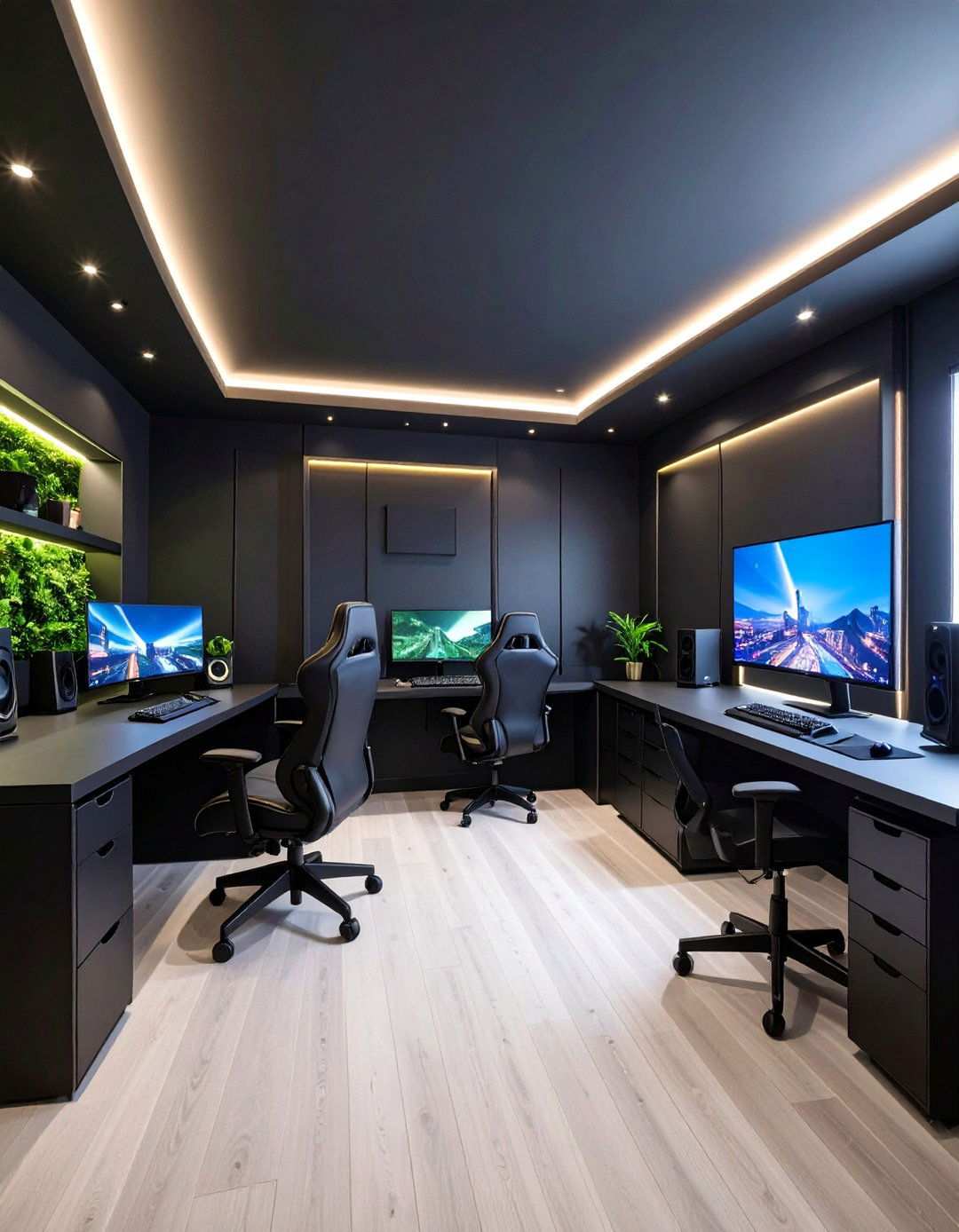
To create a space that feels both cinematic and cozy, consider incorporating cutting-edge design elements that bring out the best in your dark-hued gaming room. From ultra-sleek paints to high-tech sound systems, the following ideas showcase how to combine drama, comfort, and performance without compromising eye comfort or everyday usability. With a focus on creating an immersive experience, these 20 black gaming room ideas provide actionable tips, realistic budgets, and scalable solutions for spaces ranging from studio apartments to full-size basements. Get ready to elevate your gaming setup and dive in.
2. Soft Focus: Matte-Black Walls as the Perfect Canvas
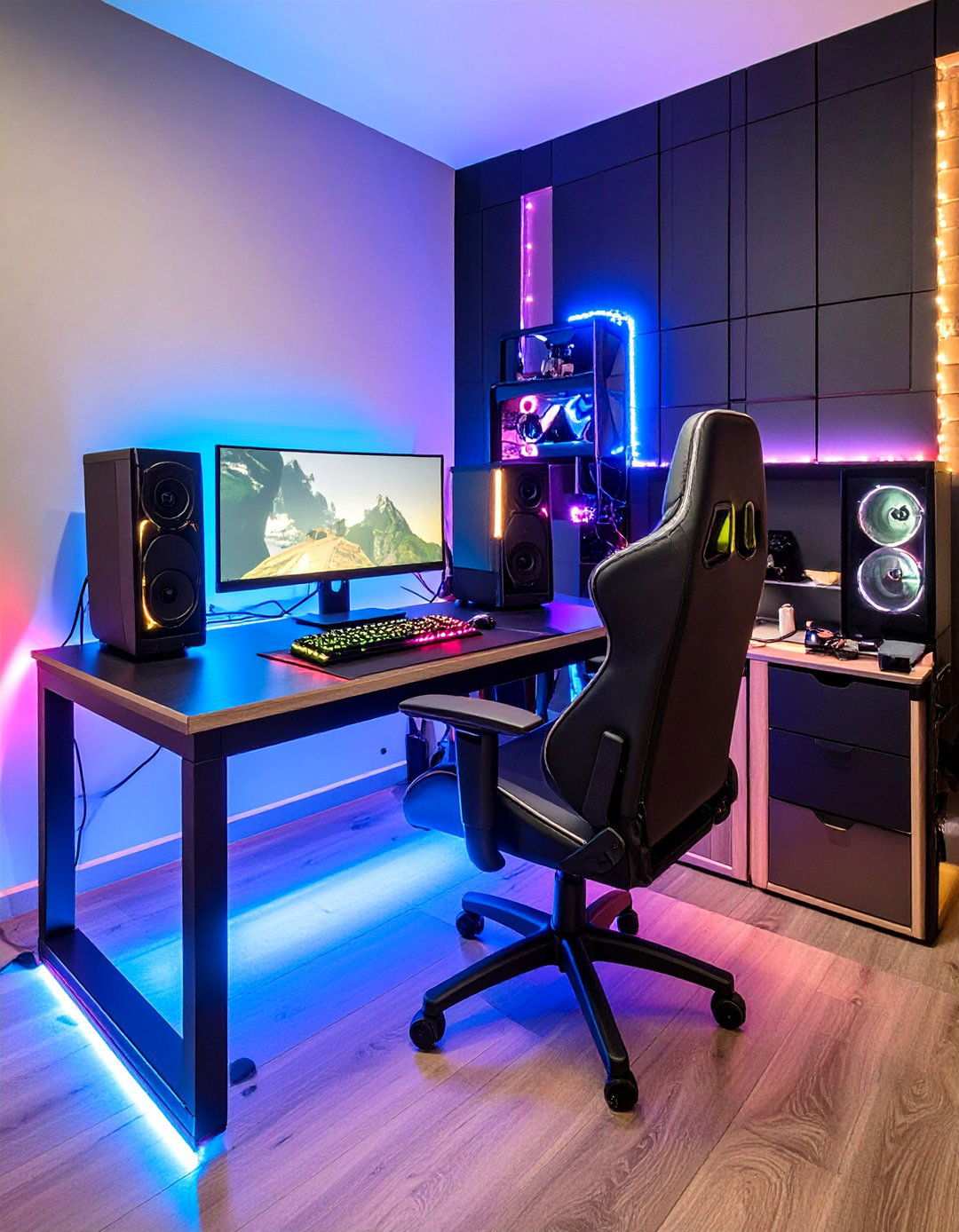
Velvety, low-sheen paint can instantly deepen immersion by absorbing stray reflections, ensuring screens remain the focal point. Opt for a true matte or “flat” interior finish and maintain a seamless look by keeping ceiling and trim in the same tone. Designers and DIYers alike praise off-the-shelf formulations for their ease of use and ability to cover bright colors in just two coats. To ensure the perfect hue, reserve one sample pot for patch tests under your exact lighting conditions. Finish with a washable top-coat sealer on high-traffic areas near the desk or doorway for added durability.

As an Amazon Associate I earn from qualifying purchases.
3. Electrify Your Space with LED Strip Highlights
Adding addressable RGB or RGBIC strips to your desk edges, wall coves, or crown molding can create depth and reduce eye strain by contrasting with dark paint. Contemporary light-bar kits come equipped with adhesive backing, music-sync modes, and app control, allowing for dynamic color sweeps that reflect in matte surfaces without glare. To achieve a seamless look, mount the power supply in an under-desk raceway and save scene presets for bright white productivity mode and soft purple late-night raids. Aim for 60–84 LEDs per meter to avoid visible hotspots in reflections and create a stunning visual effect.
4. Brighten Up: Neon Sign Statements Add Personality
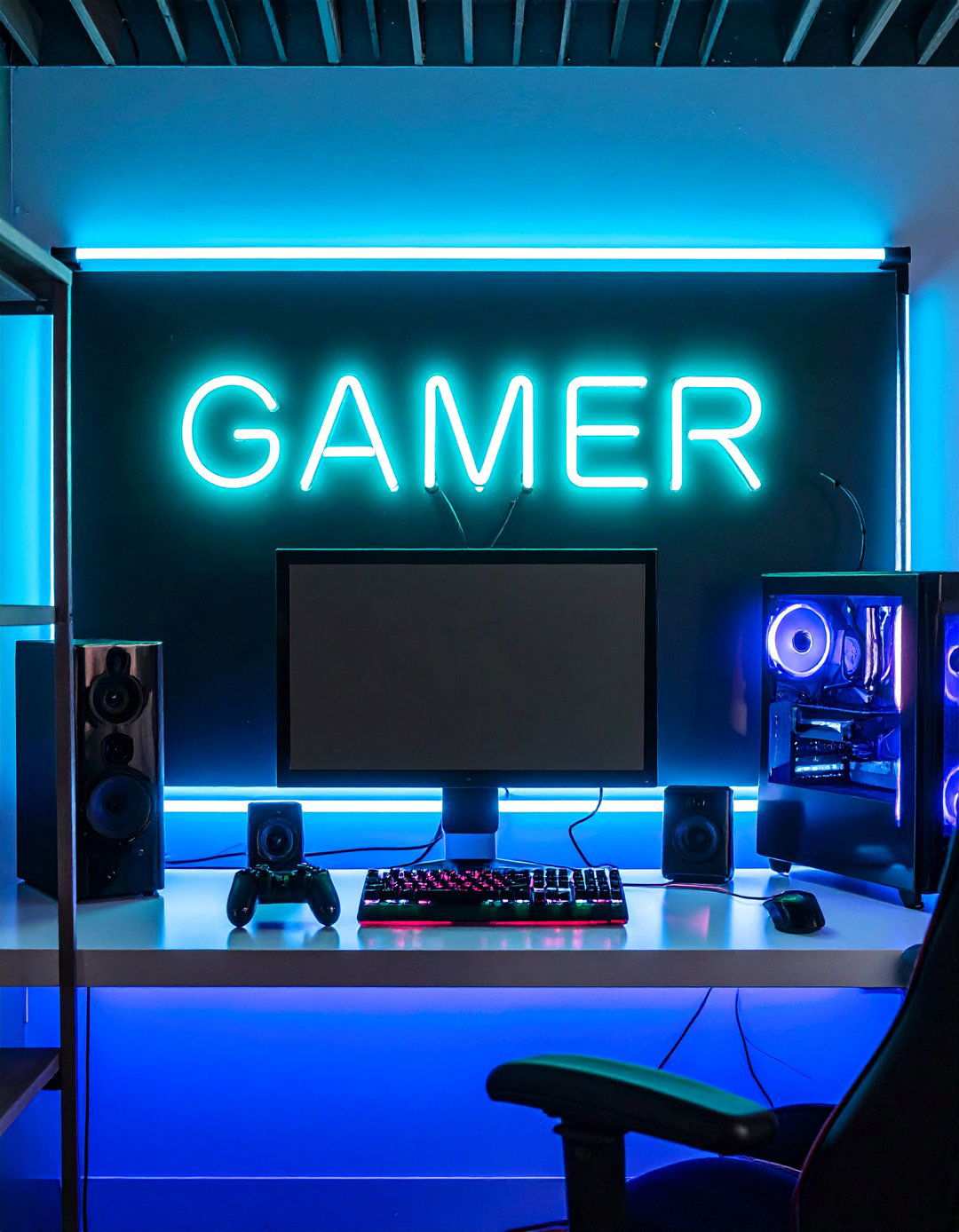
A bold neon-flex sign, controller outline, or custom handle can instantly add personality to your black gaming room and serve as a focal point against the dark backdrop. Modern acrylic-backed LED neon is cool to the touch, USB-powered, and dimmable, allowing you to adjust light levels for streaming or chill sessions. Mount your sign above monitors or a couch and choose contrasting shades – electric cyan or hot magenta – to create a striking visual effect. To keep your wiring invisible, route the slender lead through a painted cable tube that matches the wall color for a seamless look.
Elevating Ambiance with Ultra-Black Modular Light Panels
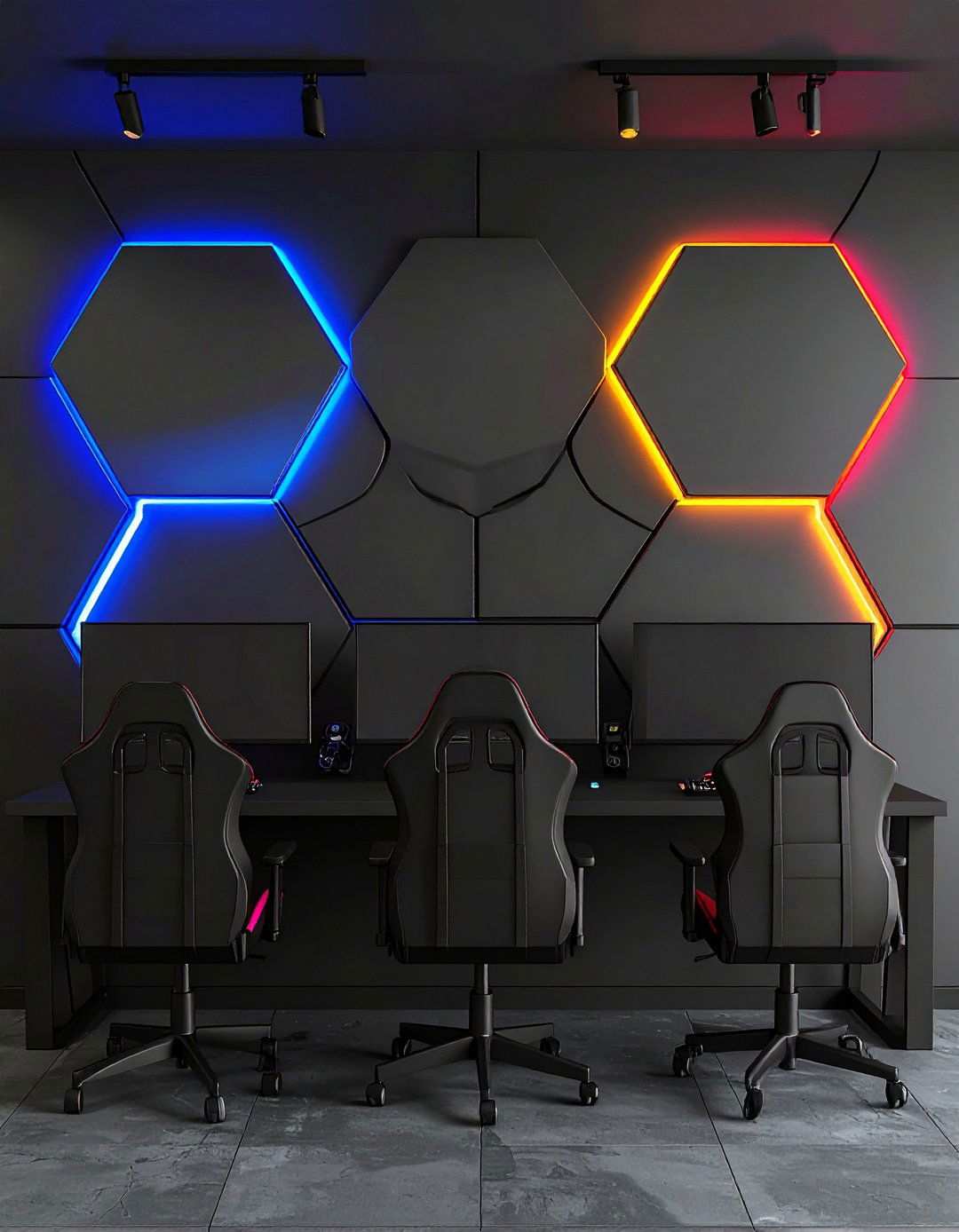
Immersive, limited-edition matte-black hexagon or triangle panels converge the worlds of art and lighting. Arrange them in mesmerizing patterns like arrows, lightning, or pixel hearts; then synchronize with PC audio to create dynamic effects that dance across the dark backdrop. Thread-enabled kits seamlessly integrate with major smart-home hubs, allowing voice commands to effortlessly transition from pulsating RGB to soothing warm white. The sleek, low-profile backplates sit flush against the wall, creating a seamless transition when the fixtures are turned off—a must for maintaining the room’s stealthy aesthetic.
5. Enhancing Acoustics with Discreet Blackout Panels
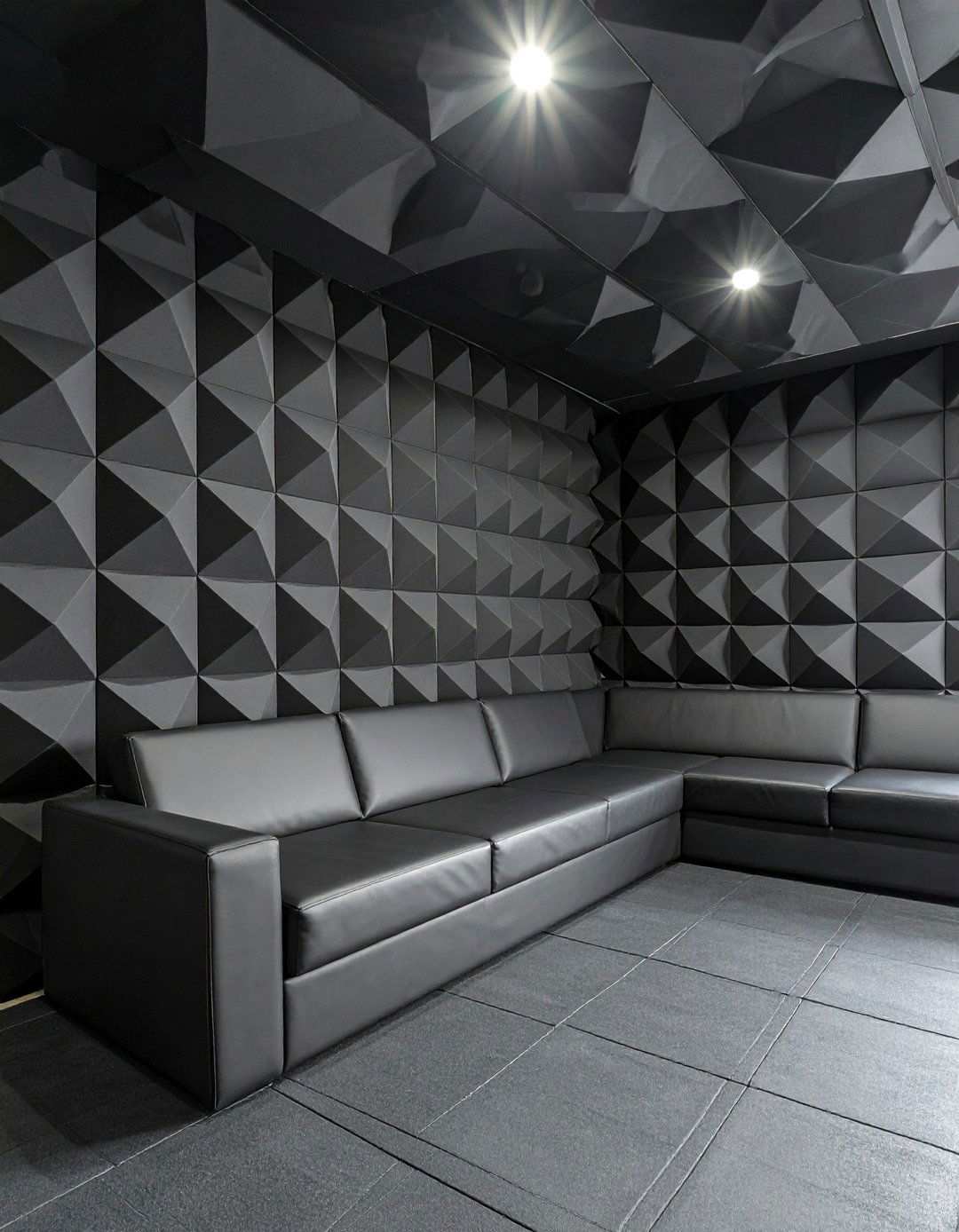
High-density, self-adhesive foam tiles in pyramid or beveled patterns absorb echo that can otherwise muddle in-game footsteps, creating a more immersive experience. Since the panels ship in black, they blend inconspicuously into walls or ceilings, preserving the room’s monochromatic vibe. Create a designated recording zone behind your mic or line up the first reflection points beside each speaker. Even a small dozen tiles can significantly improve dialogue clarity and minimize keyboard clatter for teammates. For added visual impact, arrange matte and glossy tiles in an eye-catching checkerboard grid.
6. Minimizing Strain with Bias Lighting Behind Monitors
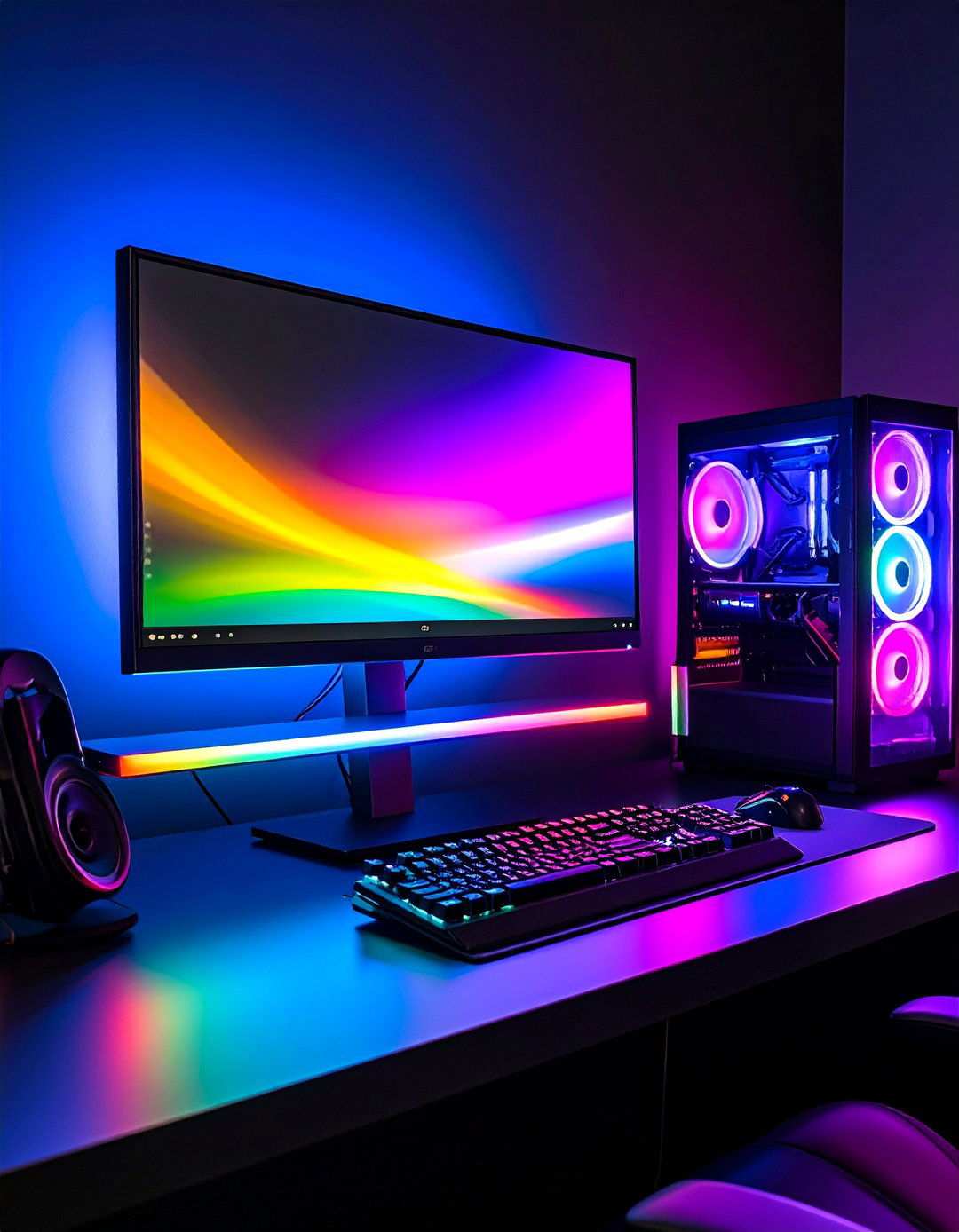
A gentle 6500 K strip on the back edge of your display reduces eye fatigue by tempering the stark contrast between a glowing screen and pitch-black walls. Users note that bias lighting makes late-night coding and cut-scenes equally comfortable, while also enhancing perceived black levels. Opt for a USB-powered kit that automatically switches on with the monitor and position it two inches from the bezel to create a uniform halo, rather than harsh spotlight blobs.
7. Creating an Immersive Environment with Blackout Curtains
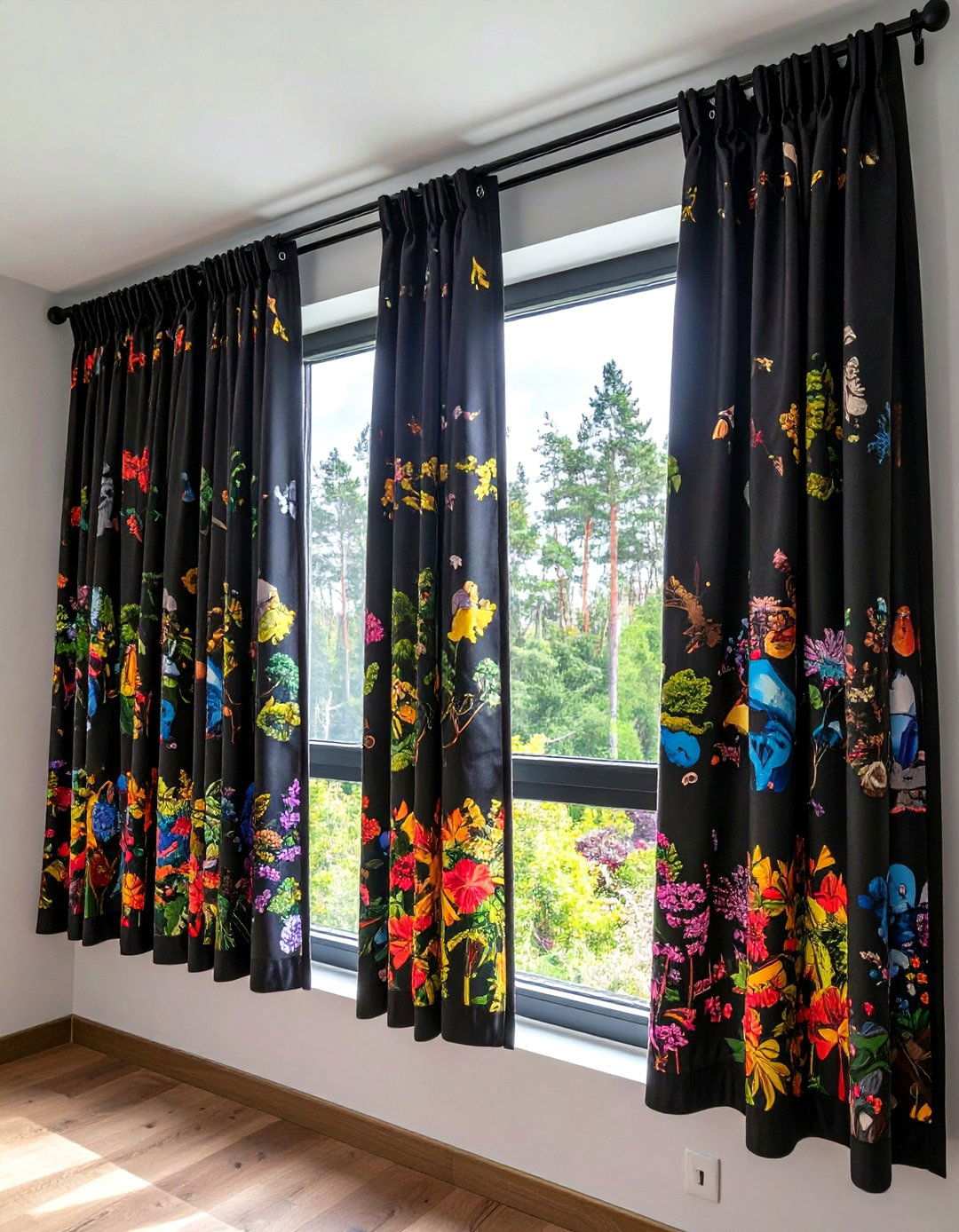
Thick, triple-weave blackout drapes effectively cut outside glare, deepen colors, and improve acoustics by dampening window-bounce reflections. Gaming-themed prints—think pixel hearts or retro arcades—maintain the aesthetic when daylight demands an open view. Install ceiling-mounted tracks wider than the window frame so fabric overlaps the wall, creating a seamless seal to block leak-through. Add magnetic edges or Velcro to seal gaps for tournaments held during the day.
8. Grounding the Room with an Ergonomic Black Gaming Chair
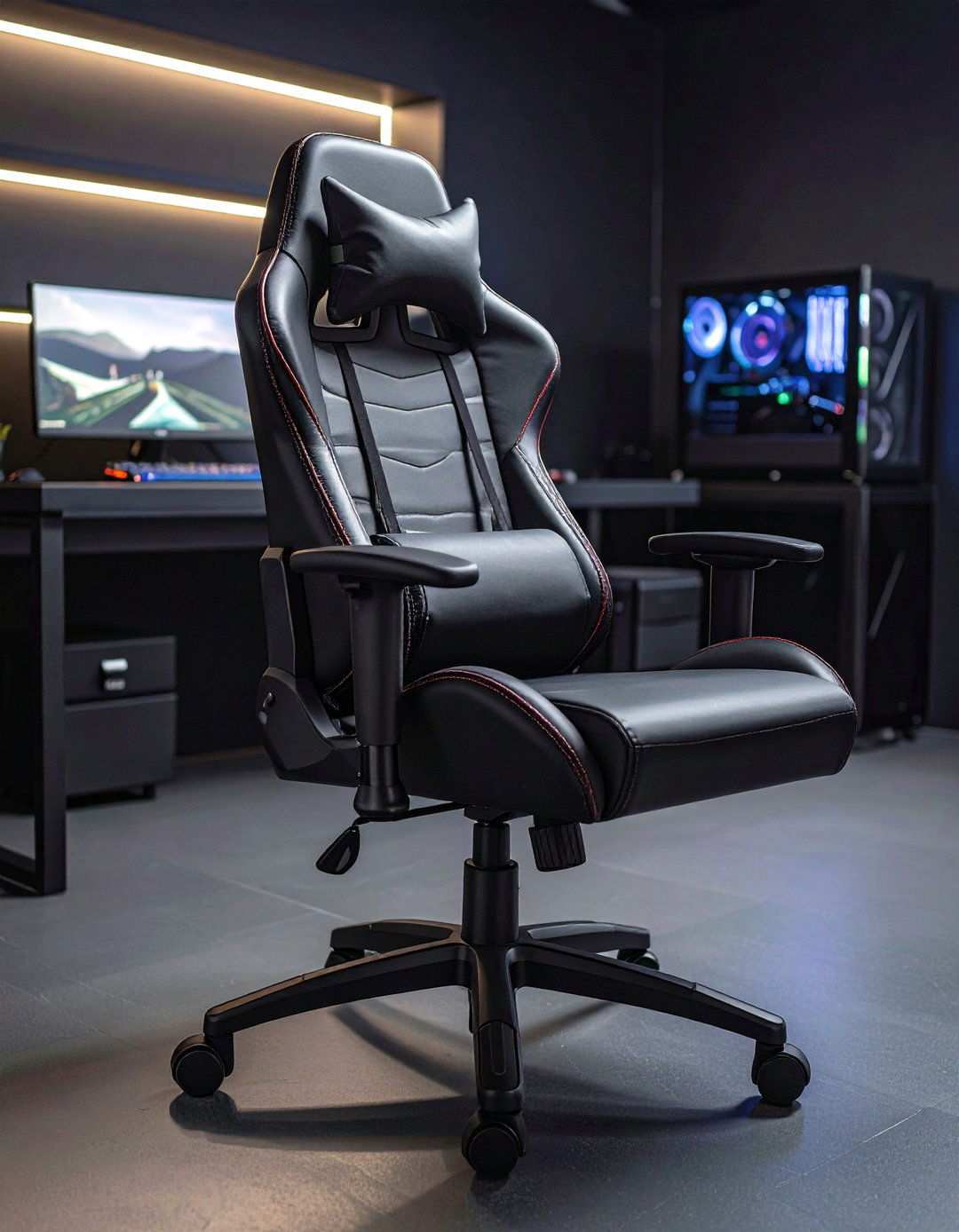
Investing in an all-black racing or hybrid office chair with robust lumbar support ensures marathon sessions are pain-free while matching the moody palette. Recent reviews highlight breathable fabric options and 4D armrests that adjust for precise mouse angles, plus understated stitching that avoids flashy logos. Pair the seat with a memory-foam cushion in charcoal to protect the finish and absorb squeaks often amplified by hard floors.
9. Elevating Ambiance with Carbon-Fiber Desks in a Black Gaming Haven
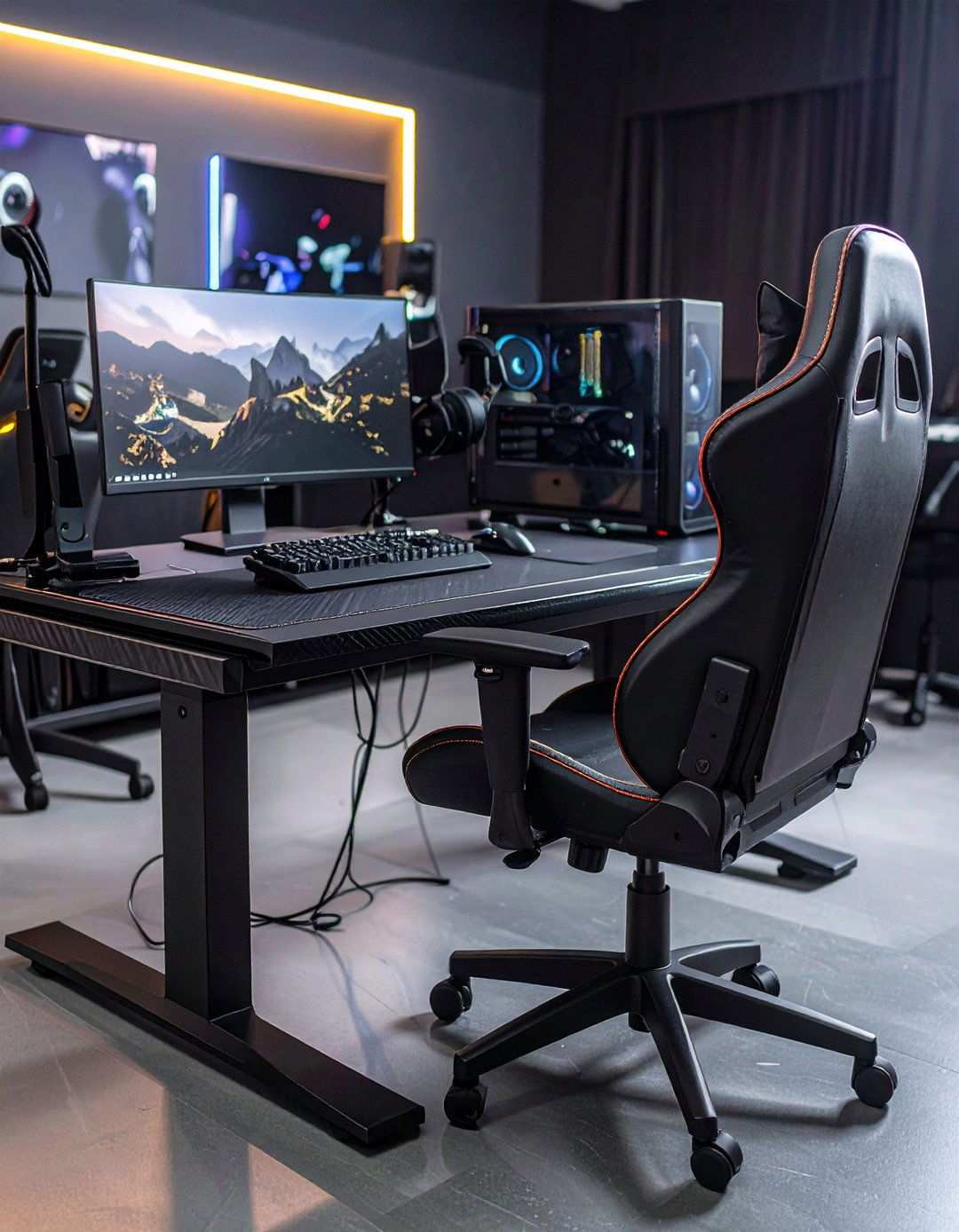
Integrating a carbon-fiber-pattern desktop into a black gaming setup injects a sense of high-tech sophistication, echoing the sleek lines of cutting-edge GPUs and racing rigs. For maximum corner real estate, consider L-shaped variants that make the most of often-wasted space. Peripherals can be kept tidy with cable grommets and headset hooks, ensuring seamless workflows and unobstructed visuals.
10. Mastering Discreet Cable Management for a Black Gaming Sanctuary
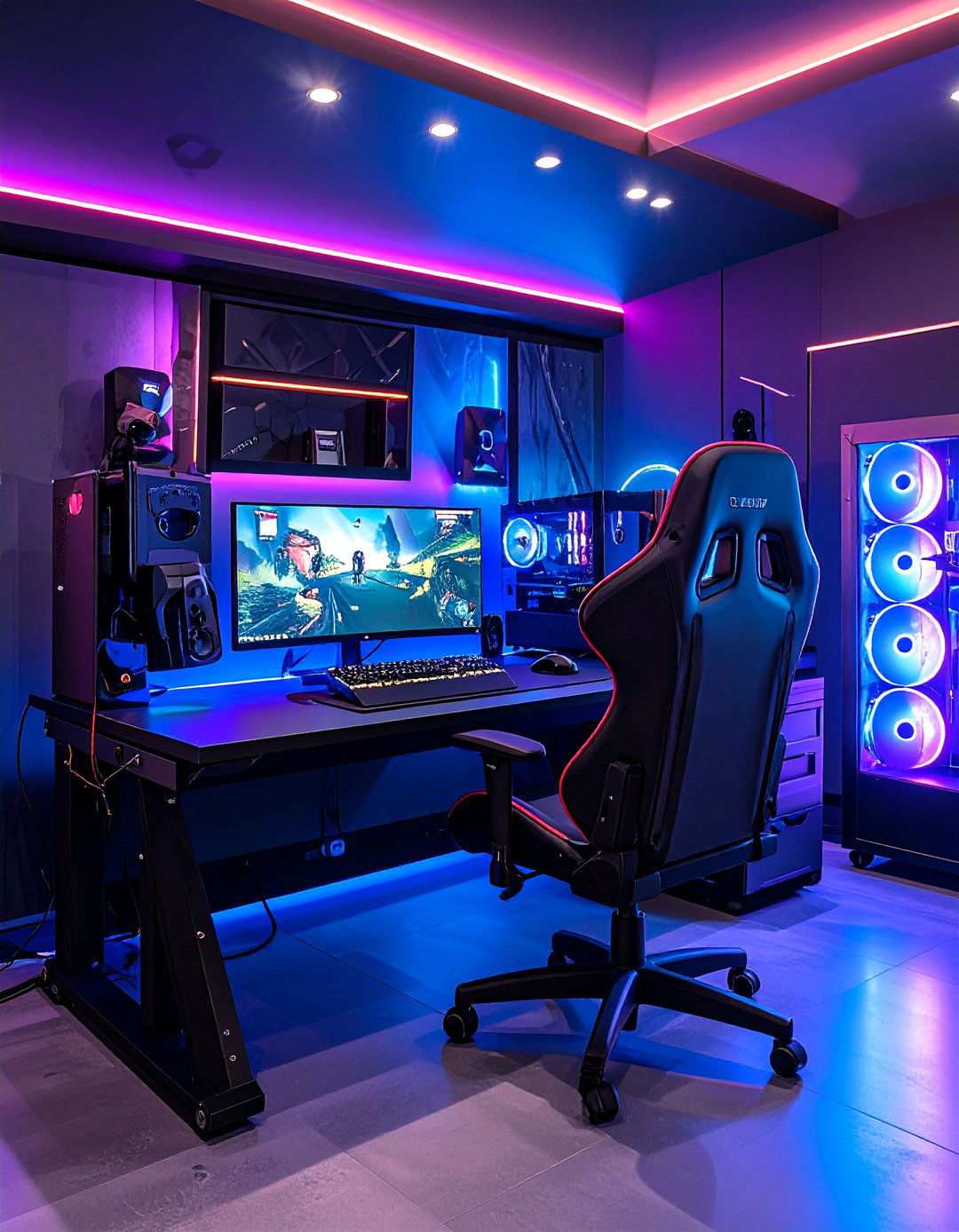
Visible cords can swiftly turn a sleek black gaming room into a cluttered mess. To rectify this, clamp metal raceways beneath the desktop, secure power bricks with hook-and-loop straps, and route monitor leads through a black-painted fabric sleeve. Enthusiasts recommend utilizing a rear pegboard or rail to stow controllers and headphones while doubling as understated décor. By doing so, airflow around the PC improves, and the room’s overall aesthetic remains uncluttered, allowing lighting effects to take center stage.
11. Star-Ceiling Panels Bring an Astronomical Touch to a Black Gaming Room
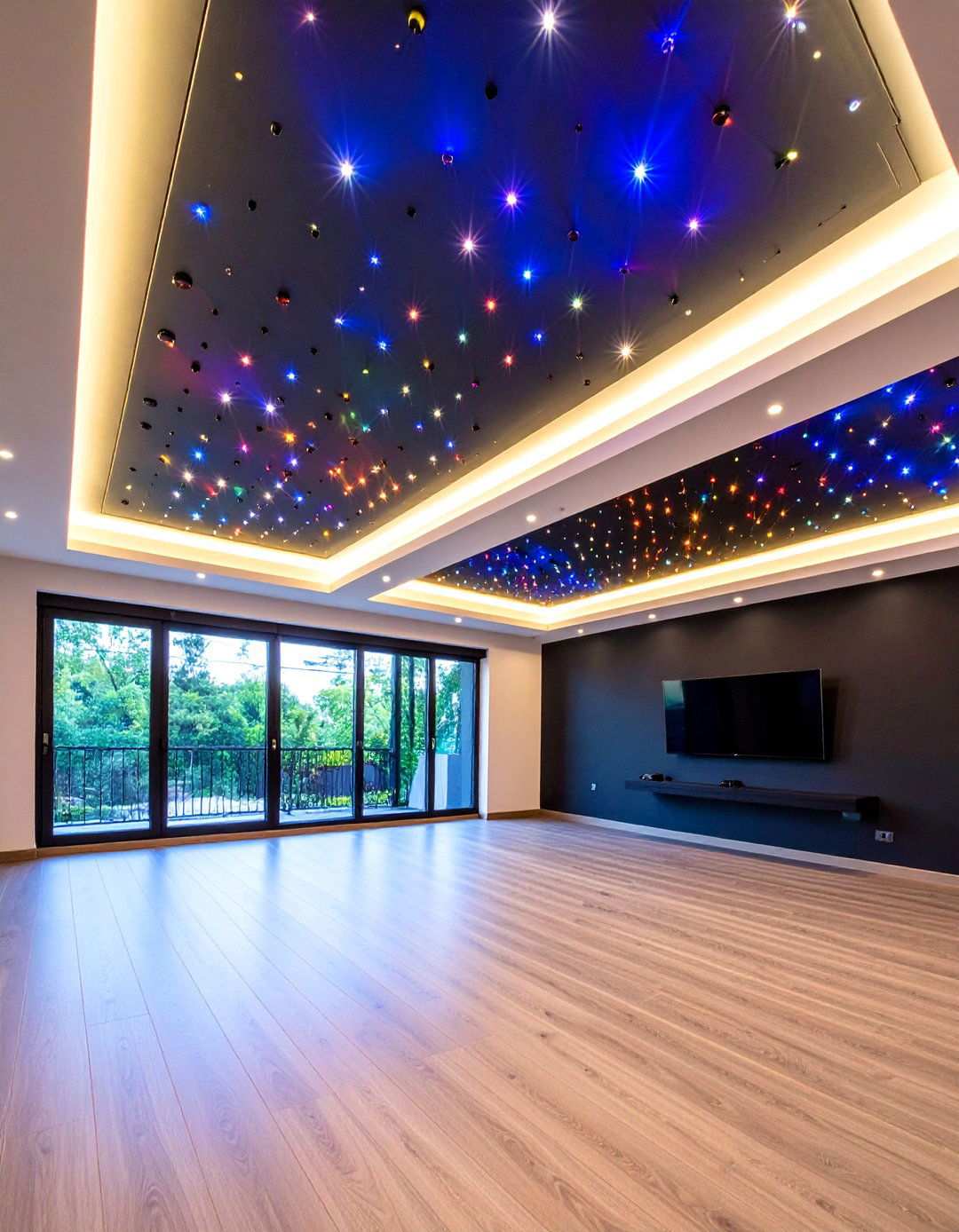
A prewired fiber-optic ceiling tile installation can transform the room into a star-studded wonderland, injecting depth without overpowering OLED screens. Panels arrive as self-contained frames, which can be easily screwed into joists and plugged in to unleash a kaleidoscope of nebula colors or pure white points. Combining this setup with surround-sound Atmos upward-firing speakers will transport you to a virtual planetarium.
12. RGB Corner Floor Lamps Illuminating the Dark Corners of a Black Gaming Room
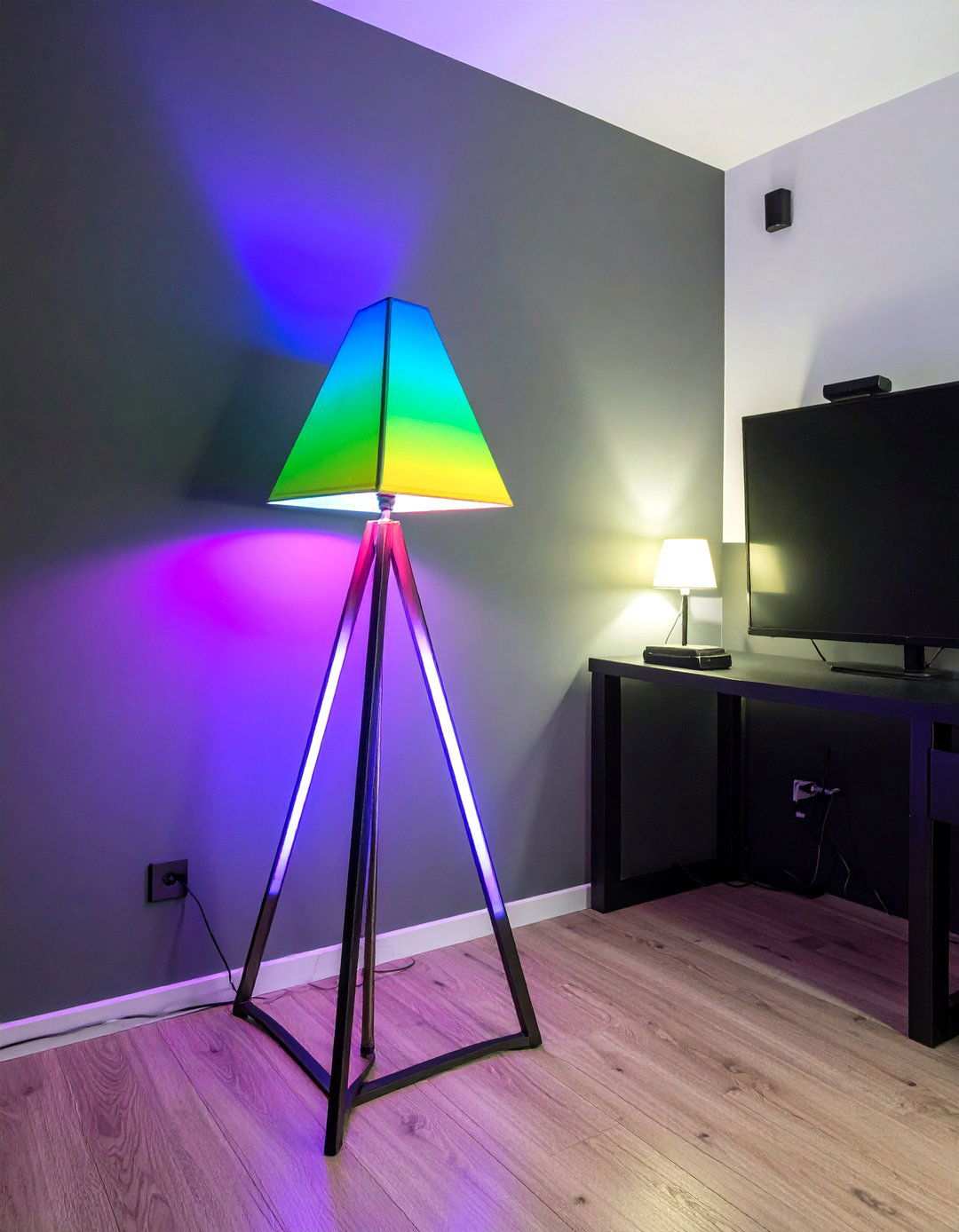
Narrow, triangular floor lamps can be cleverly positioned in unused corners to reflect gradients onto matte walls, creating an illusion of expansion. Music-sync modes respond to bass drops, allowing for dynamic lighting that synchronizes with your gaming experience. To keep the design clean and unobtrusive, opt for models with metal bases and discreet adhesive clips to hide wiring.
13. The Power of Contrasting White Accents in a Black Gaming Room
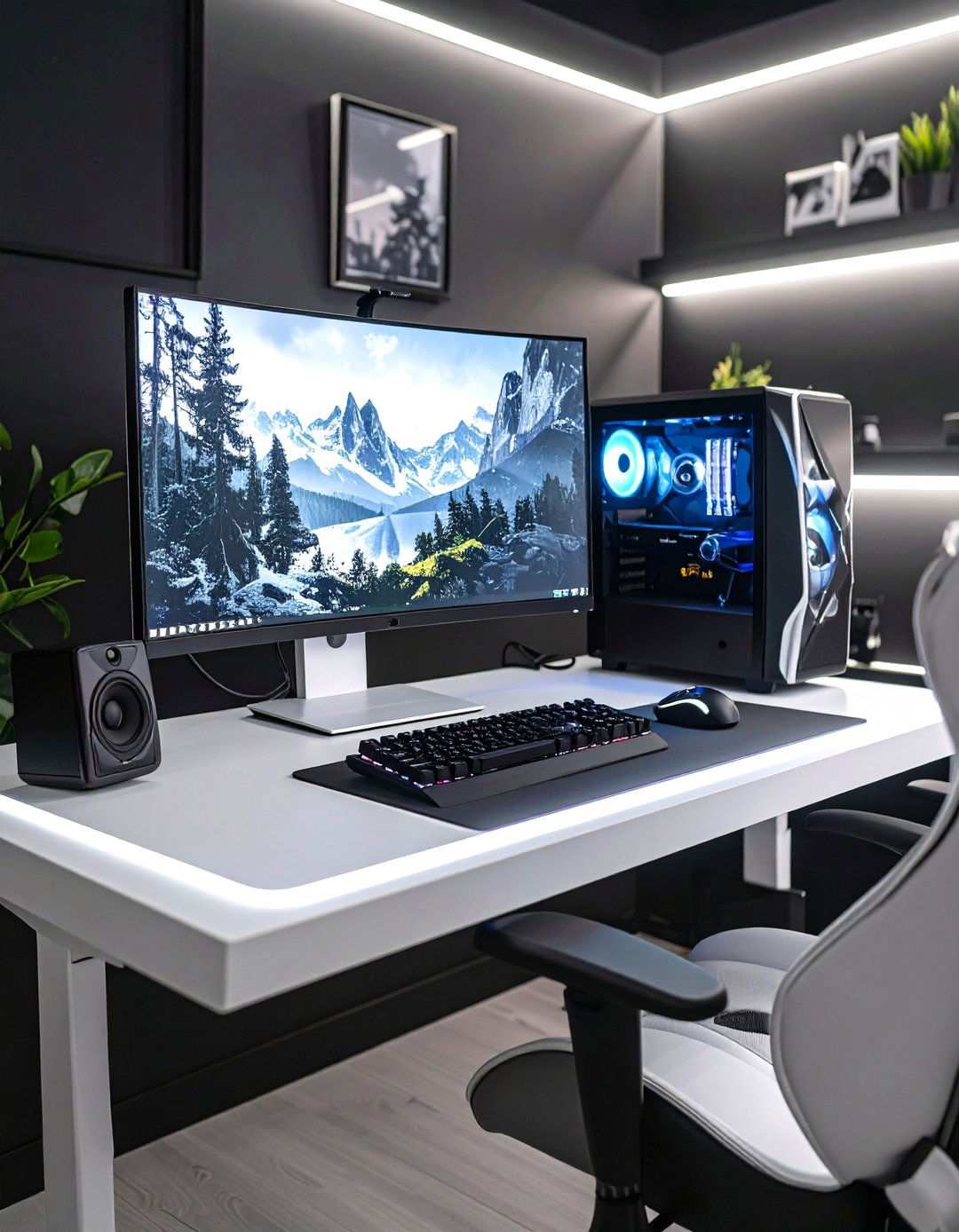
Strategically placed white peripherals, monitor bezels, or framed art can inject a refreshing splash of contrast into the room, preventing it from feeling cave-like. One approach is to incorporate a light-colored desktop surface that reflects LED glow upward, reducing the need for overhead lighting. To achieve the perfect balance, keep white accents under 20% of the visual field, ensuring the black color scheme remains the dominant force.
14. Elevating Collectibles with Floating Shelves and Underglow in a Black Gaming Room
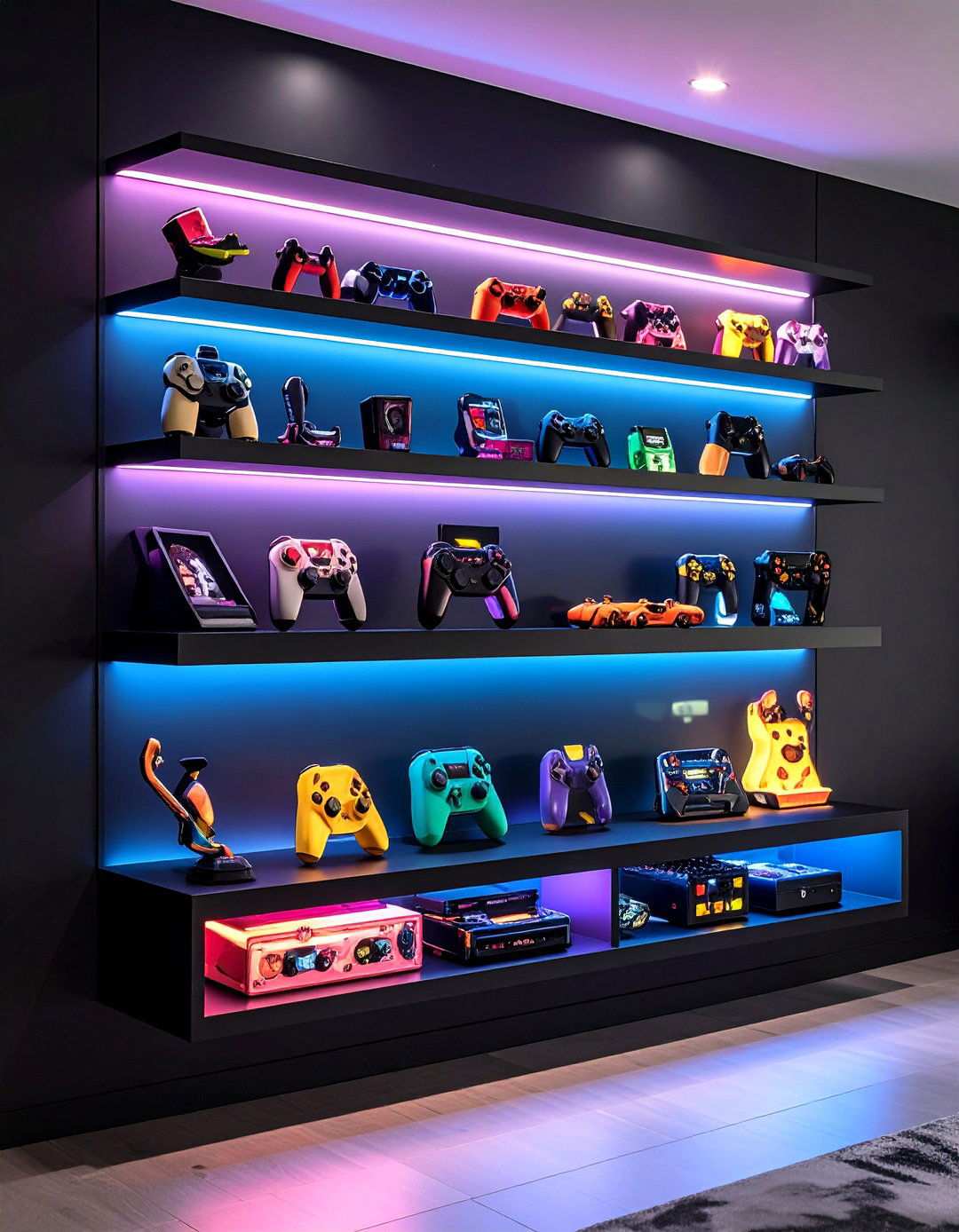
Matte-black floating shelves lined with LED tape can be used to display cherished collectibles while freeing up desk space. To create visual interest, mount the shelves at staggered heights to form an asymmetrical skyline. For added ambiance, install diffusers to soften the glow under figurines. A hidden power strip inside the top shelf can feed both lights and charging docks, keeping cords hidden behind a sea of wall paint.
15. Elevate Space with Low-Profile Furniture in Compact Black Gaming Environments
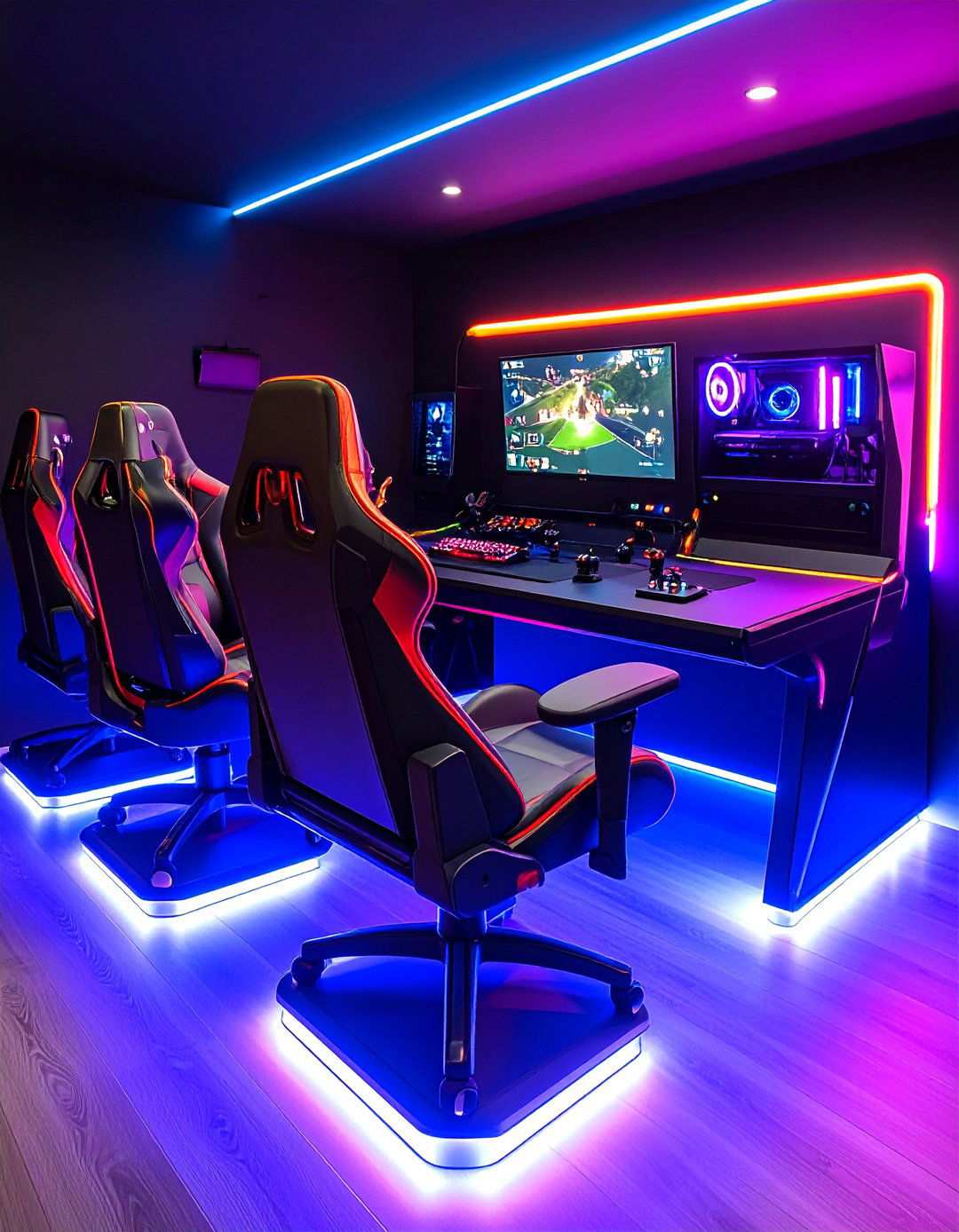
In a small apartment, minimalist consoles, armless side chairs, and nested storage stools create a clutter-free pathway, maintaining the “command-center” feel. Designers suggest selecting pieces with tapered legs, allowing LED floor wash to flow beneath and visually expand the space. Modular charcoal sofas serve as co-op seating without disrupting the monochrome theme.
16. Seamless Scene Control with Voice-Tactile Solutions in Black Gaming Rooms
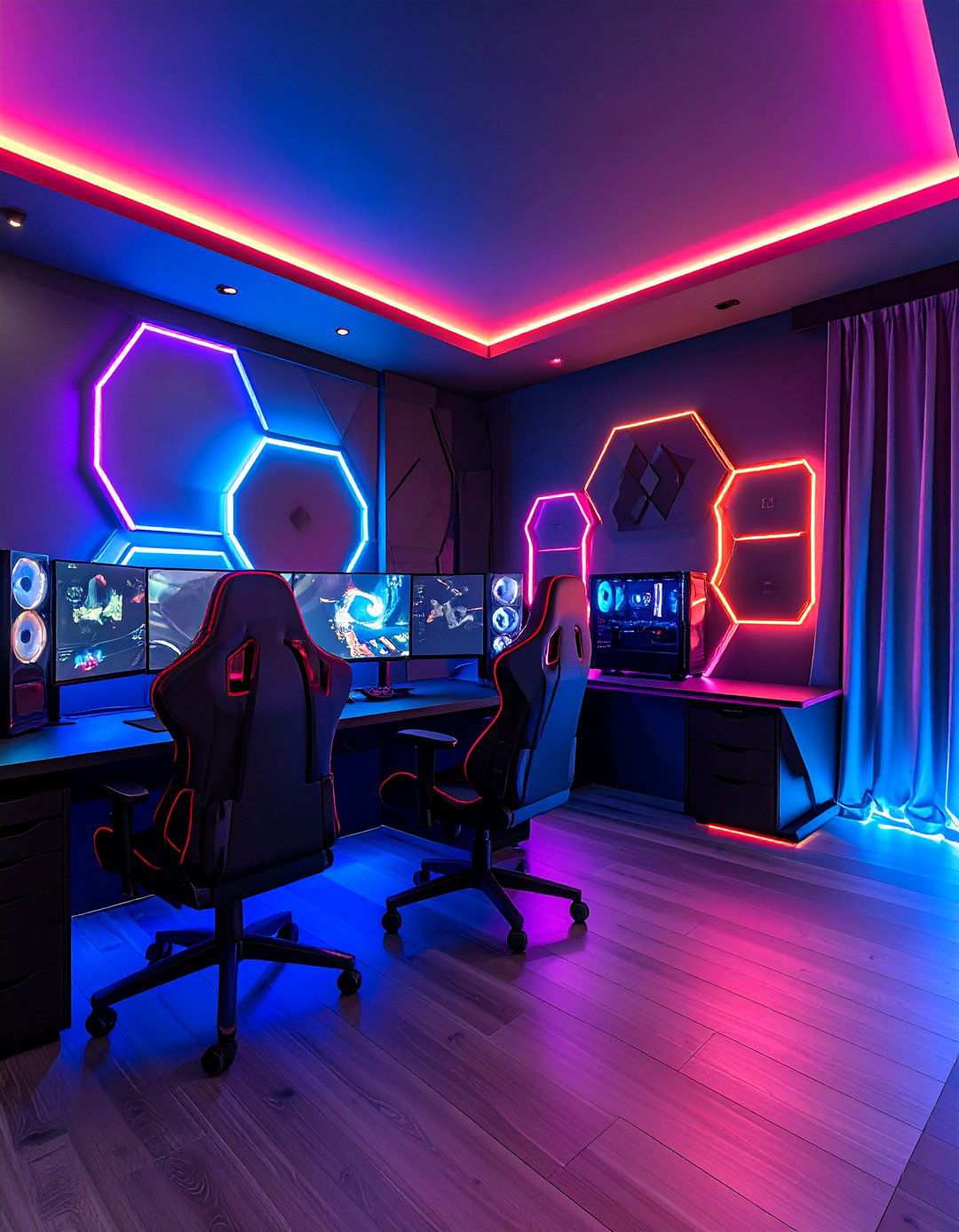
Hexagon or strip lights that respond to voice commands from Alexa or Google Assistant simplify mood changes—“start stream” can trigger cool white bias lighting, close blackout curtains via smart rods, and power the camera ring. Many voice-controlled kits support IFTTT, allowing the PC’s RGB profile to sync with wall panels when a specific game launches. Centrally placing the microphone hub ensures clear voice pickup, unaffected by dark fabrics.
17. Custom Wall Decor Unifies a Black Gaming Environment with Personalized Murals
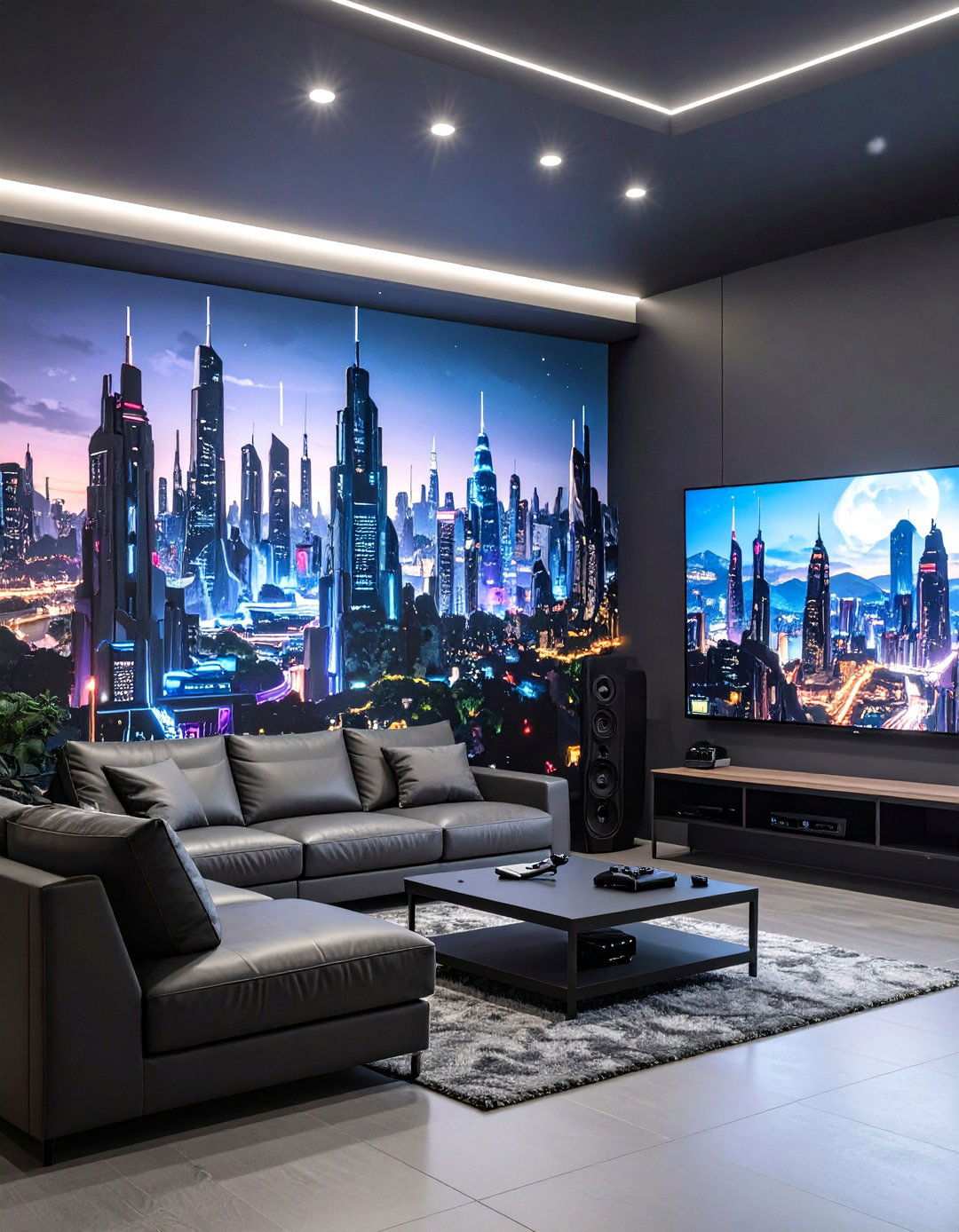
A peel-and-stick sci-fi skyline or pixel-art boss fight fills negative wall space without adding clutter. Online shops offer high-resolution prints tailored to your wall dimensions, and reviewers praise their bubble-free adhesive. The grayscale artwork effectively contrasts with RGB wash while remaining cohesive with black paint. For a unique option, commission an artist to hand-paint silhouettes in matte charcoal, achieving a subtle, embossed effect.
18. Enhance Comfort with Dark, Plush Rugs in Black Gaming Spaces
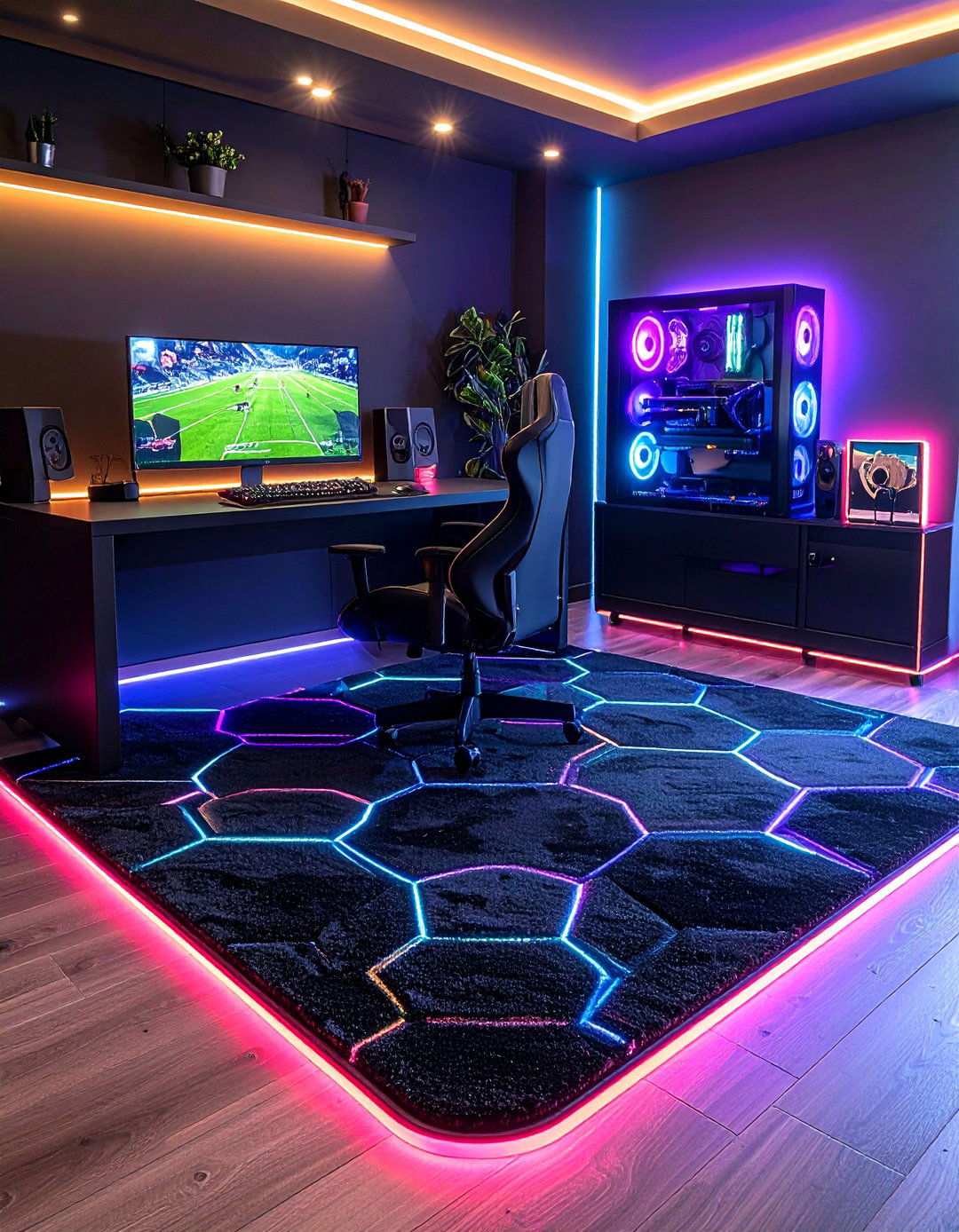
A soft, low-pile rug in jet black or neon-outlined hexagons absorbs echo, insulates against cold floors, and defines the play zone. Look for stain-resistant synthetics rated washable to prevent snack mishaps from becoming catastrophic. Gamers recommend a 5′ × 7′ size, which fits neatly under a desk-and-chair combo, preventing caster scratches while still revealing LED floor strips around the perimeter.
19. Immersive Audio with Hidden Surround Speakers in Black Gaming Environments
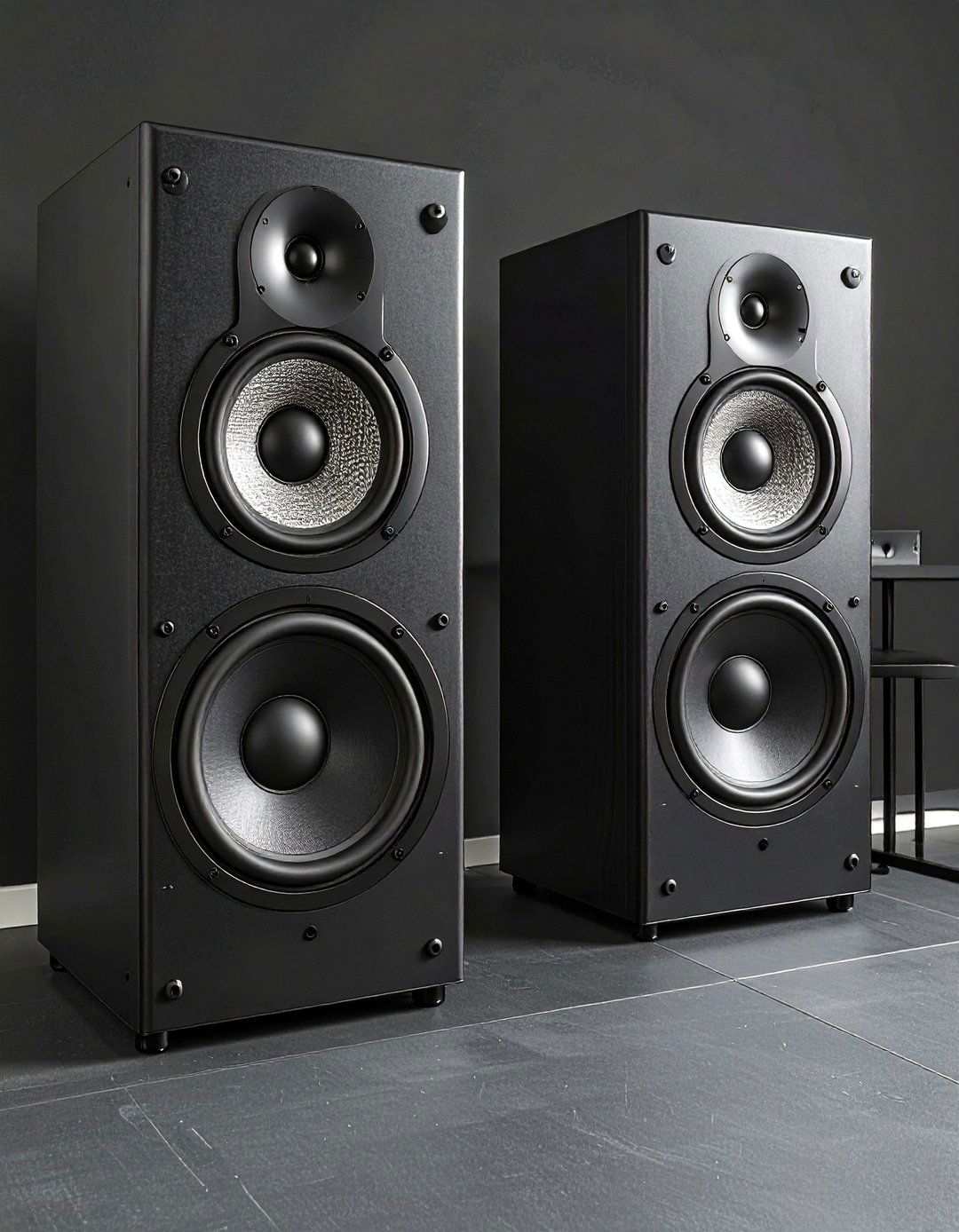
Compact 2.1 or bookshelf speakers in satin-black finishes blend seamlessly against walls, delivering positional audio critical for shooters. Place them on isolation pads atop floating shelves or clamp mounts to keep the desktop clear. Current buyer guides praise setups with directional tweeters and small subs that tuck under the desk, providing punch without visual bulk.
20. Showcase Collectibles with UV-Lit Display Cases in Black Gaming Rooms
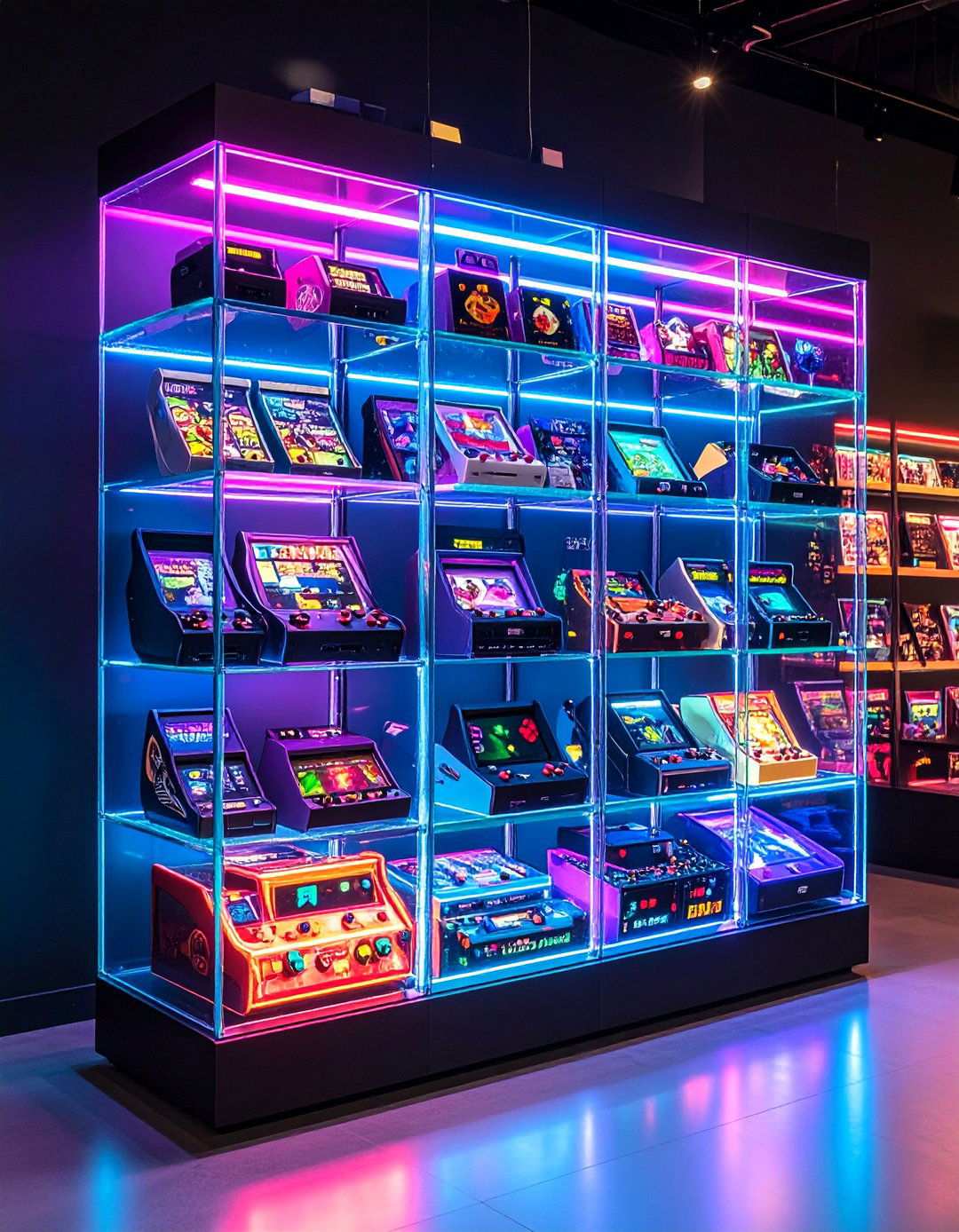
Clear acrylic cases with built-in RGBW or UV LEDs make action figures and retro cartridges glow like artifacts in a museum. Stackable models sync up to 300 units, allowing you to expand as your loot grows while keeping dust at bay. UV-filtering acrylic preserves colors, and the subtle interior light doubles as ambient night glow when main LEDs power down.